Creative
Reinvents familiar patterns with unexpected interactions and layouts.
- Version
- v1.0.0 · Updated Jul 18, 2026
- Context
- ≈1,932 tokens
- Security
- ✓ scanned
- License
- Single seat
- Works with
- Claude Code, Cursor, Codex
Checkout opens soon · launches at $9
≈1,932 tokens · v1.0.0
Live demo — an original page built in the Creative style. Open in new tab
About this skill
An imaginative design system that breaks traditional boundaries with innovative interactions and dynamic layouts. Its live demo renders an agency portfolio — hero, selected-work grid, services, and contact CTA.
The skill file
Creative is for interfaces that want to feel made, not generated — art-directed experiences with personality, tension, and surprise. It throws out the safe centered grid in favor of asymmetry, oversized expressive type, bold outlines, unexpected color pops, and interactions that reward exploration. The result feels like an editorial spread or a designer's portfolio rather than a default template. Reach for it when the goal is to impress and differentiate: portfolios, agency sites, campaign pages, and brand storytelling.
Design principles
- Break the grid on purpose. Asymmetry, overlap, and off-axis placement create energy and intentionality.
- Type as the hero. Oversized, expressive display headings carry the design — words are visual elements.
- Bold structure, flat surfaces. Hard outlines and dramatic offset shadows replace soft elevation.
- Strategic color shocks. A mostly warm-neutral canvas makes a single electric accent land harder.
- Motion as narrative. Scroll, hover, and reveal interactions tell a story rather than just decorate.
- Confident restraint. One or two surprising moves per screen — not chaos, but curated boldness.
Color
The canvas is a warm paper neutral #F7F3EC with crisp white #FFFFFF surfaces for content blocks, grounding the bold moves in calm. The primary accent is an electric orange #FF5A1F used for CTAs, highlights, and color-pop overlays, with an electric blue secondary #3D5AFE and an acid-lime #C8FF3D for unexpected accents. Structure is defined by near-black #1A1A1A, used for text, hard outlines, and offset shadows. Foreground text is #1A1A1A and muted text #6B655C.
Light-mode token reference:
- Background
#F7F3EC, Surface#FFFFFF, raised block#FFFFFFwith a hard outline. - Primary
#FF5A1F, Primary hover#E64C13, Primary pressed#CC3F0C. - Secondary electric blue
#3D5AFE, Accent acid-lime#C8FF3D. - Foreground
#1A1A1A, Muted#6B655C, Outline and offset shadow#1A1A1A, Focus outline#FF5A1F.
For dark mode, invert to a moody canvas: background #121212, surface #1C1C1C, foreground #F7F3EC, outlines and borders in #F7F3EC, with the same electric accents glowing against the dark. The lime and blue become especially vivid on dark, perfect for the system's signature color shocks.
Dark-mode token reference:
- Background
#121212, Surface#1C1C1C, Outline#F7F3EC. - Primary
#FF7038, Secondary#6B82FF, Lime#D4FF5C. - Foreground
#F7F3EC, Muted#9C968C.
Color usage rule: keep the canvas calm and let exactly one accent shock per viewport carry the energy. Color-pop overlays use the accent at full saturation with a multiply or solid fill; reserve the lime for the single most playful moment on a page.
- Typography
- Layout & spacing
- Components
- Motion
- Accessibility
- Use it with your AI tool
Preview ends here
Typography, Layout & spacing, Components, Motion, Accessibility & Use it with your AI tool unlock when checkout opens. Get notified
What's inside
- SKILL.md7.6 KB
More in Design
View allEditorial Pack
Collects the editorial cluster — typography-led, content-first pages in one install.
Design Systems Pack
Bundles every aesthetic design system in one install — switch styles per project.
Fiction
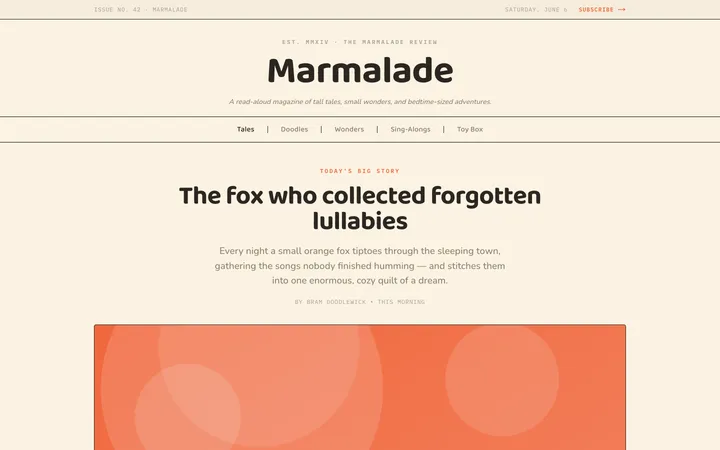
Illustrates children's-book warmth with bold outlines and saturated color.

Arcade
Presses chunky pixel buttons and rainbow shadows into arcade-cabinet fun.
More from @staqd
View profileEditorial Pack
Collects the editorial cluster — typography-led, content-first pages in one install.
Design Systems Pack
Bundles every aesthetic design system in one install — switch styles per project.
Fiction
Illustrates children's-book warmth with bold outlines and saturated color.
Arcade
Presses chunky pixel buttons and rainbow shadows into arcade-cabinet fun.